Jyoti AI

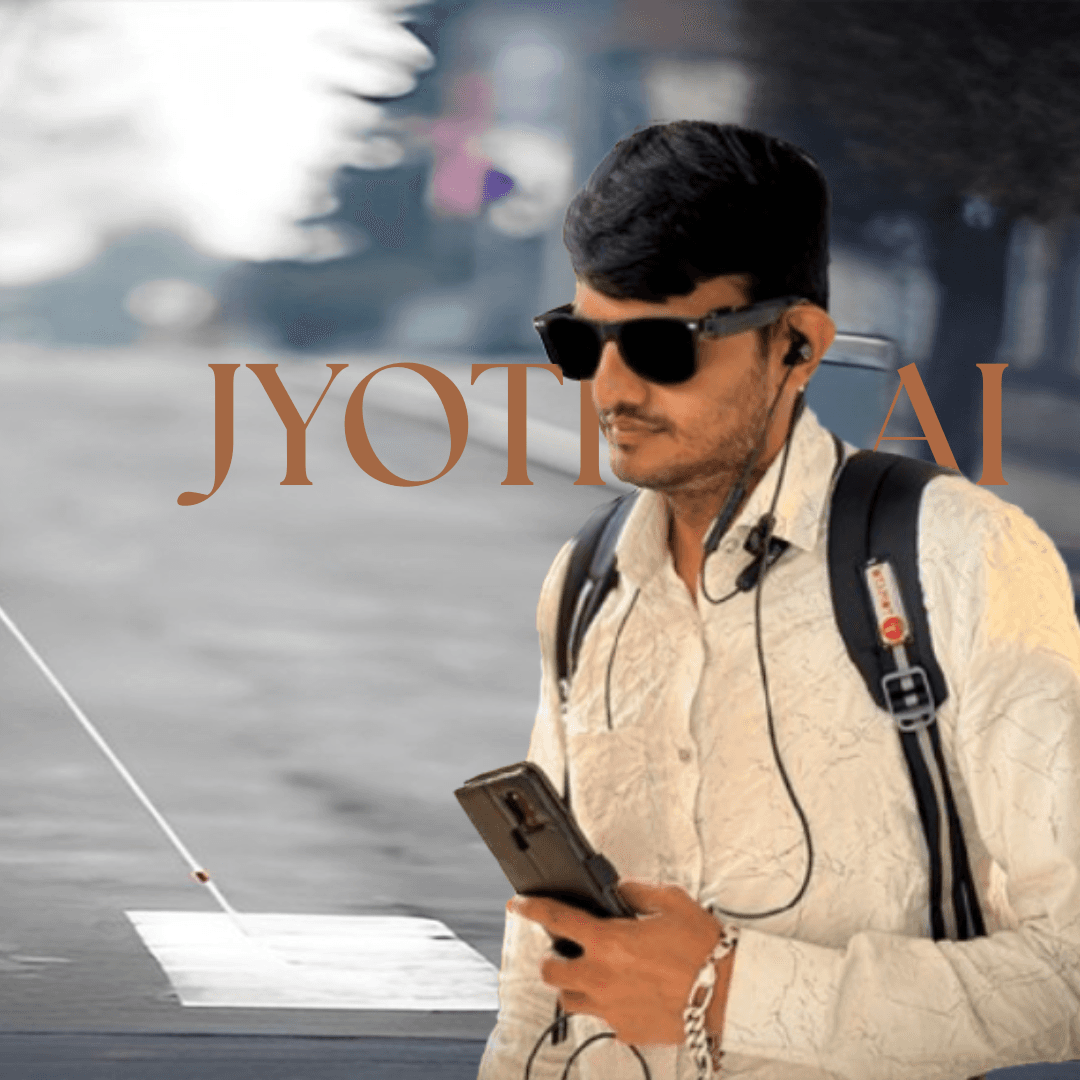
An AI-powered assistive application designed to help visually impaired users access information, navigate daily tasks, and interact with the world more independently.
Client
Role
Timeline
Primary Users
Designing Beyond Sight
For visually impaired users, digital experiences are often layered with friction.
From
“What does this document say?”
to
“Where am I right now?”
Everyday tasks require additional effort, reliance, or assistance.
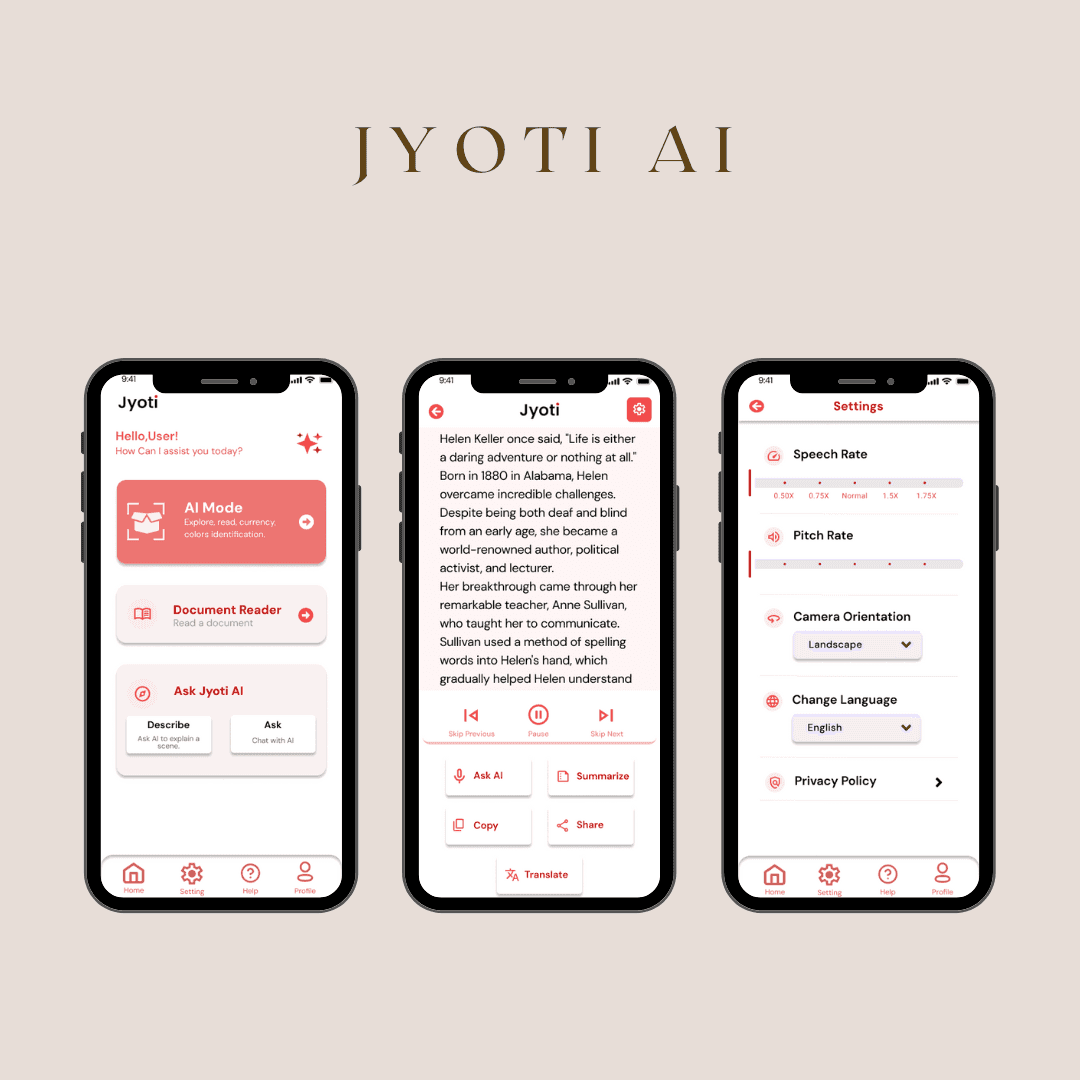
Jyoti AI was designed as a supportive, AI-driven companion — helping users access information through voice interaction, simplified navigation, and assistive features.
It’s not just an app.
It’s independence in digital form.
It doesn’t just provide information.
It provides autonomy.
Designing for Inclusion
Before designing, I focused on understanding the real-world challenges faced by visually impaired users:
• Navigation without visual cues
• Over-dependence on others for basic digital tasks
• Accessibility gaps in mainstream apps
• Cognitive overload in cluttered interfaces
• Trust and comfort with AI assistance
The key insight:
Accessibility is not an add-on — it must be the foundation.
This reframed the project from building an AI feature set to designing an experience centered entirely around non-visual interaction patterns.
Translated accessibility research into tangible, empathetic design solutions that improve daily usability.
Designing for Autonomy
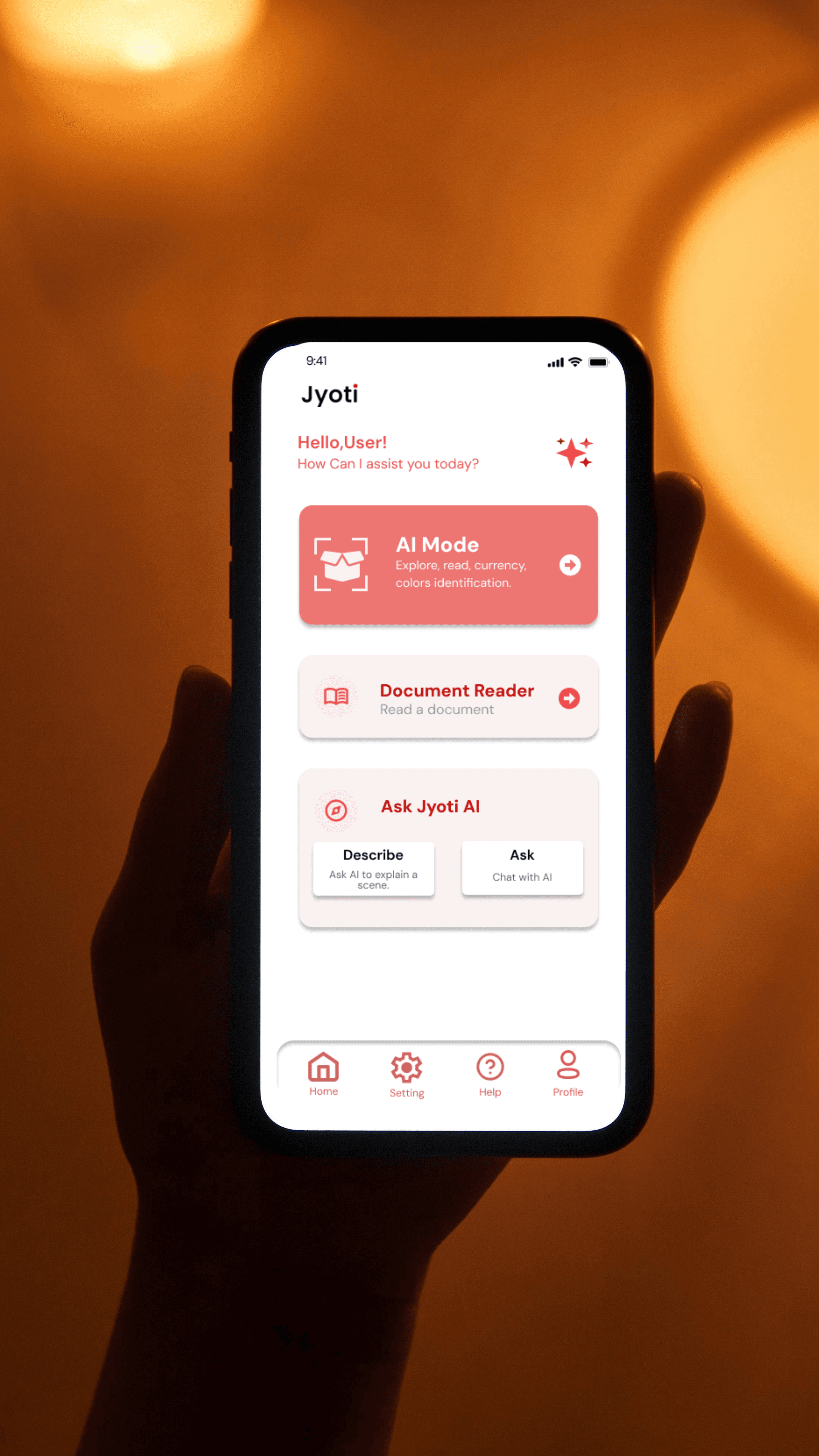
The solution focused on simplicity, clarity, and voice-first interaction.
The app was designed to:
• Enable voice-based navigation and responses
• Minimize visual dependency
• Structure clear, large-tap interaction zones
• Maintain predictable flows to reduce cognitive load
• Simplify AI outputs into actionable, easy-to-understand responses
Every decision prioritized ease, dignity, and independence.
The interface wasn’t just simplified — it was intentionally reimagined for accessibility.
Impact & Reflection
Jyoti AI strengthened digital independence by reducing reliance on visual interaction and enabling smoother access to information.
It helped:
• Improve accessibility for daily digital tasks
• Increase user confidence in AI-supported interaction
• Reduce friction in navigation and information retrieval
The impact was not visual — it was empowering.
This project reinforced that:
Inclusive design expands possibility.
Accessibility is strategic, not optional.
And autonomy is one of the most powerful outcomes design can create.